 HueWalls
Codex Image Sizes Tested: 15 Ratios and a Native 4K Attempt
Codex came close on 12 aspect ratios but matched exact dimensions twice. Compare every original PNG and see what the 4K prompt returned.
If a generated image has the right shape, can it go straight into a production layout? I tested Codex’s built-in image generator against 15 aspect ratios to find out. Only two files hit the requested pixel dimensions. Yet 12 came within 0.21% of their requested aspect ratio. That gap matters any time a design spec includes both.
I ran this benchmark on November 16, 2026. The results reflect the built-in image tool available in that Codex session.
The 4K request that produced a 1672-pixel image
I asked for a native UHD frame at 3840 × 2160. The original PNG was 1672 × 941, exactly the dimensions of the ordinary 16:9 trial. The cover is a web preview of that output. Use 1672 × 941 when assessing the generated detail, since the preview has its own delivery dimensions.
The built-in tool in this session exposed controls for the prompt, transparency, and image references. Canvas size went into the prompt. OpenAI’s separate Images API documents a dedicated size field and includes 3840 × 2160 among its high-resolution options. I did not run the API in this benchmark. Codex image generation · Images API reference
When does the distinction affect a layout?
A desktop composition requested at 16:10 came back at 1586 × 992, off by roughly 0.08% in shape. A tightly framed 6:13 phone composition has more to lose: the text-only trial was 18.62% wider relative to its height than requested. Putting the focal point away from the edge gives the final crop room to work. For an asset contract that specifies exact pixels, read the original file before deciding how much resizing is needed, and retain the original dimensions if you deliver an upscale.
The widest and narrowest outputs in this run were 3:1 and 1:3. Even the prompts that asked for 4:1 and 1:4 came back at those two proportions. Seven test images matched their requested ratio exactly. Only the 2:3 and 3:2 examples also matched the pixel count on both axes.
Full benchmark data
Every prompt used the same centered red ceramic sphere on pale gray paper. The target aspect ratio and requested dimensions were the variables. I read width and height from each original PNG, then calculated the absolute relative error in width divided by height. The table reports one image per request and does not estimate the chance of a repeat match.
| Target ratio | Requested pixels | Original PNG | Ratio error |
|---|---|---|---|
| 1:1 | 1024 × 1024 | 1254 × 1254 | 0.00% |
| 4:5 | 960 × 1200 | 1122 × 1402 | 0.04% |
| 3:4 | 960 × 1280 | 1086 × 1448 | 0.00% |
| 2:3 | 1024 × 1536 | 1024 × 1536 | 0.00% |
| 9:16 | 864 × 1536 | 941 × 1672 | 0.05% |
| 6:13 | 864 × 1872 | 928 × 1695 | 18.62% |
| 1:3 | 640 × 1920 | 724 × 2172 | 0.00% |
| 4:3 | 1280 × 960 | 1448 × 1086 | 0.00% |
| 3:2 | 1536 × 1024 | 1536 × 1024 | 0.00% |
| 16:10 | 1536 × 960 | 1586 × 992 | 0.08% |
| 16:9 | 1536 × 864 | 1672 × 941 | 0.05% |
| 21:9 | 1792 × 768 | 1914 × 822 | 0.21% |
| 3:1 | 1920 × 640 | 2172 × 724 | 0.00% |
| 4:1 | 2048 × 512 | 2172 × 724 | 25.00% |
| 1:4 | 512 × 2048 | 724 × 2172 | 33.33% |
See the generated canvases
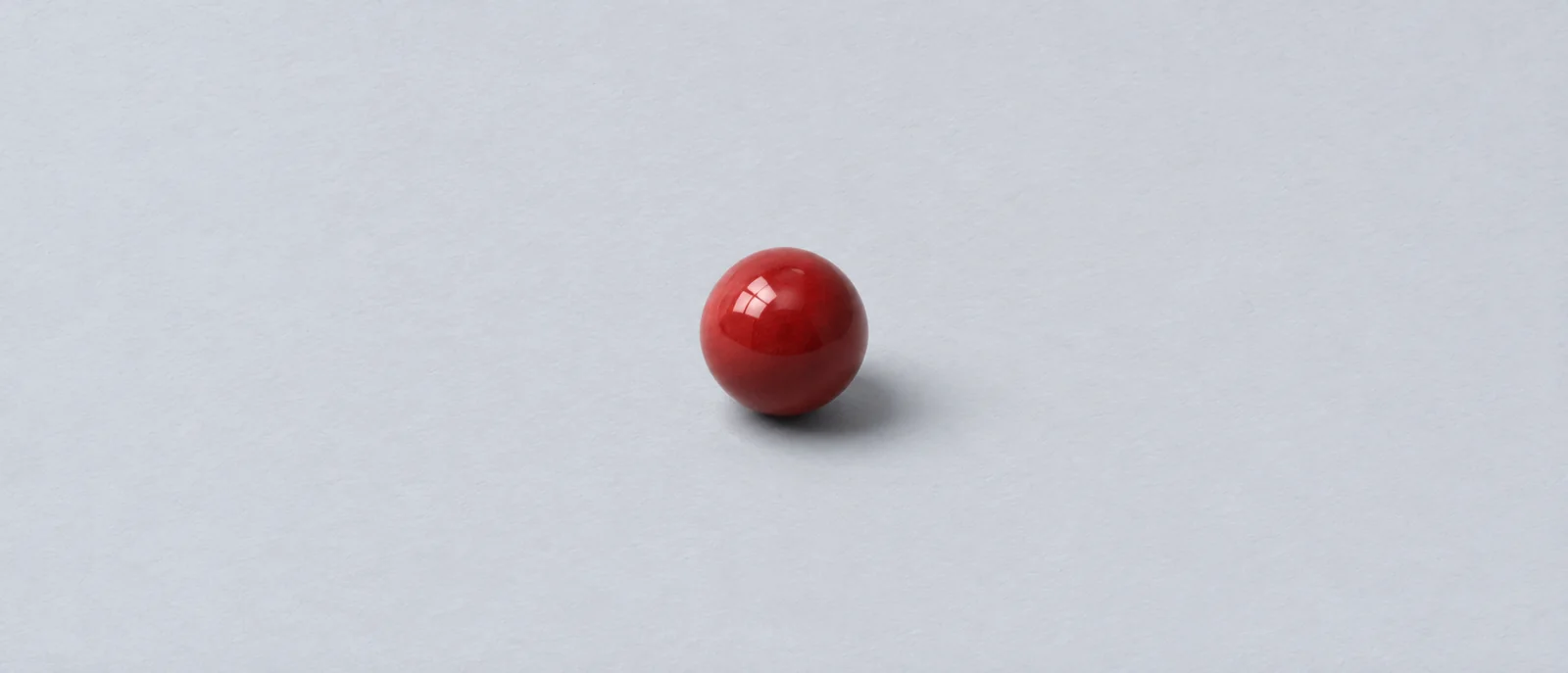
Requested 21:9. Original PNG: 1914 × 822.

Requested 1:3. Original PNG: 724 × 2172.
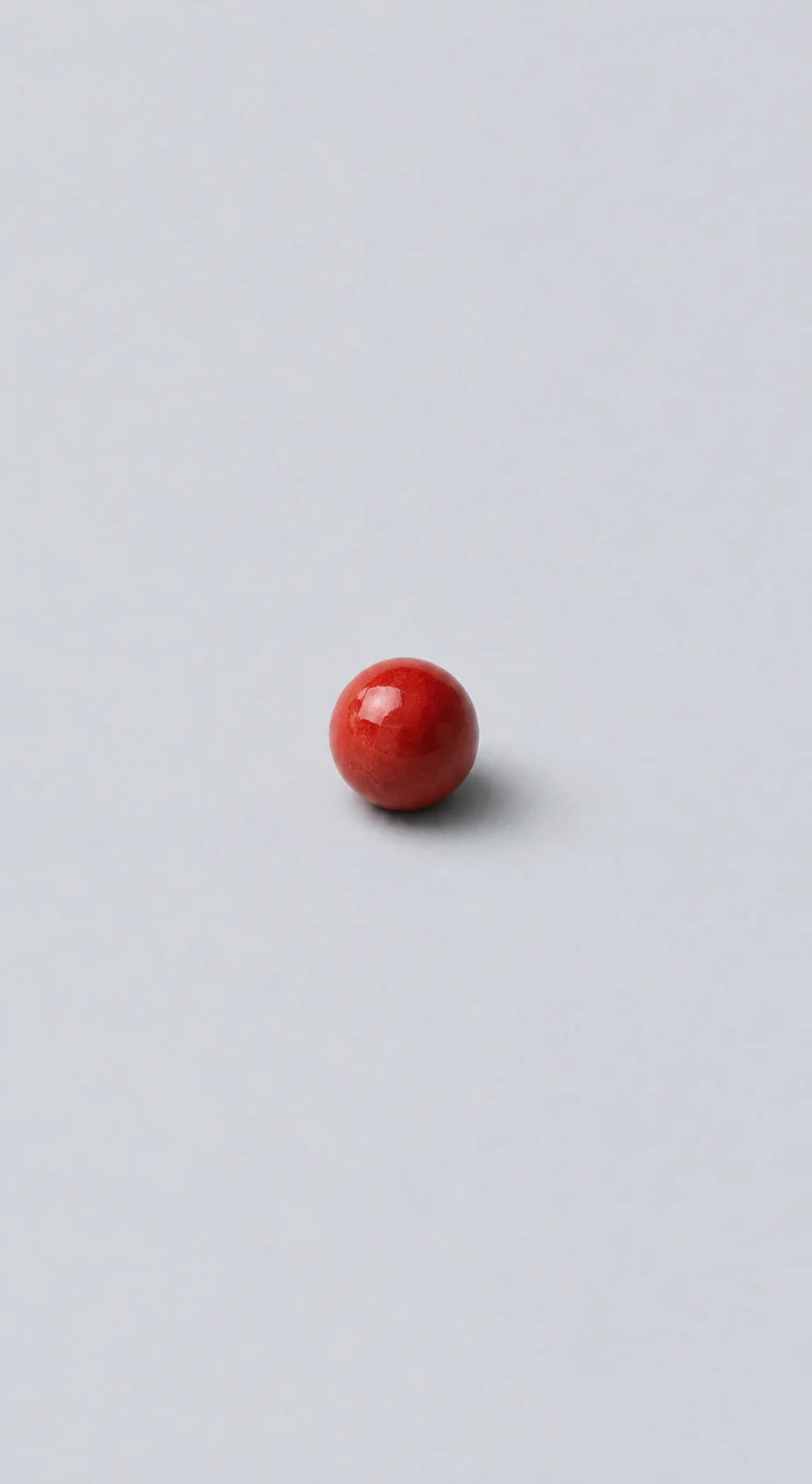
Requested 6:13. Original PNG: 928 × 1695, proportionally wider than requested.
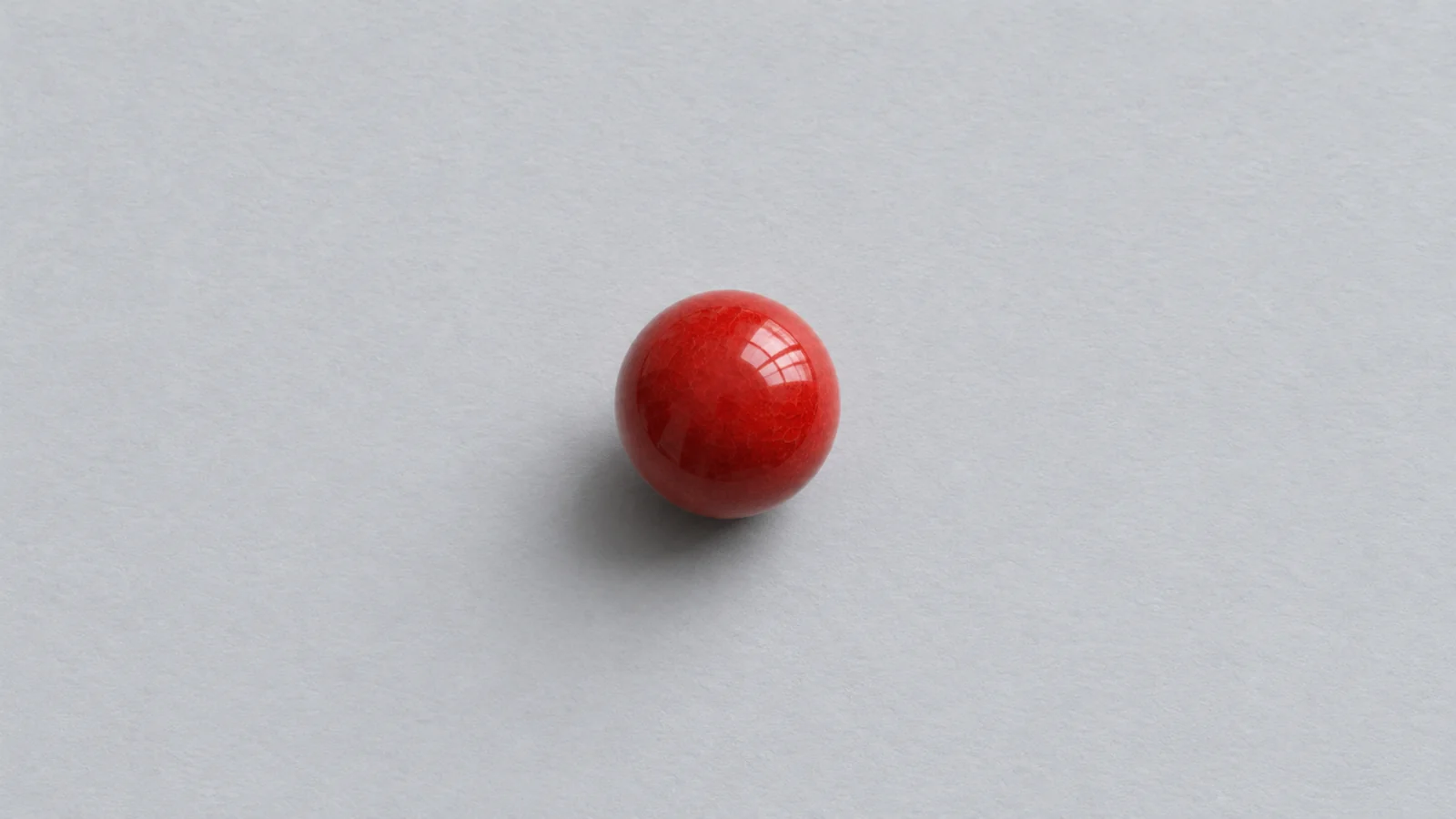
Requested 3840 × 2160. Original PNG: 1672 × 941.