 HueWalls
AI desktop wallpaper prompts: search, copy, make your own
Each prompt below was used to make the wallpaper shown with it. Copy it into ChatGPT, Gemini (Nano Banana), Qwen, Doubao or Midjourney, or run it on an open-source model such as FLUX, Stable Diffusion or Qwen-Image locally (for example in ComfyUI), then change the scene, colours or style to make your own wallpaper. Results differ between tools and models, so expect a similar look rather than an identical image.
How to use a wallpaper prompt
- Pick a wallpaper you like and press Copy prompt.
- Paste it into ChatGPT, Gemini or your AI image tool (results vary by tool and model). If it asks for a format, add "vertical phone wallpaper" or "horizontal 16:10 desktop wallpaper".
- Change one thing at a time: the subject, the time of day, the colour tone or the art style.
- Save the result and set it as your wallpaper.
The model is the one that generated the sample image beside each prompt; the same prompt in another model will look different.
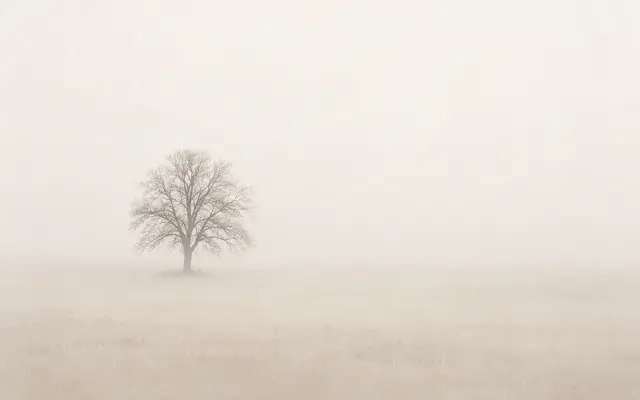
A Lone Tree in the Fog
Minimalist landscape photography: a pale beige field swallowed whole by morning fog, ground and sky blending into the same milky cream, with a single lone decid…

Paper Boat on a Grey-Blue Horizon
Minimalist composition: the whole frame is one soft gradient easing from pale grey-blue into milky white, with a single very thin horizontal line in the lower t…